
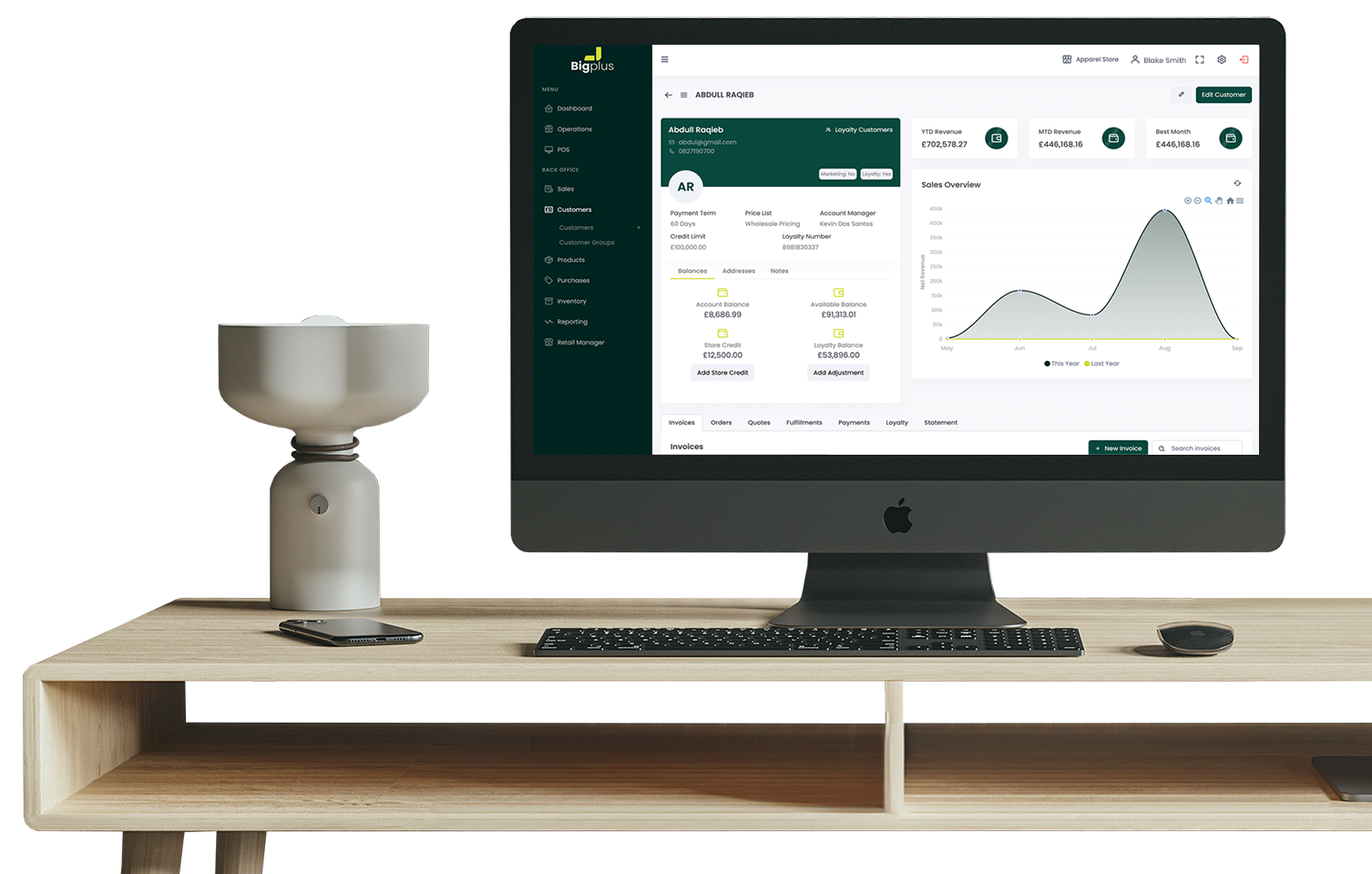
Bigplus keeps one shared customer record across your till, your back office, and your online store — captured wherever someone buys, browses, or signs up.
Any sales associate can build a profile straight from the till — and the same profile fills in automatically the moment someone buys or signs up on your online store. Name, contact details, birthday, and a note field for anything else worth remembering, plus purchase history, payment status, and company accounts, whichever channel they came from.
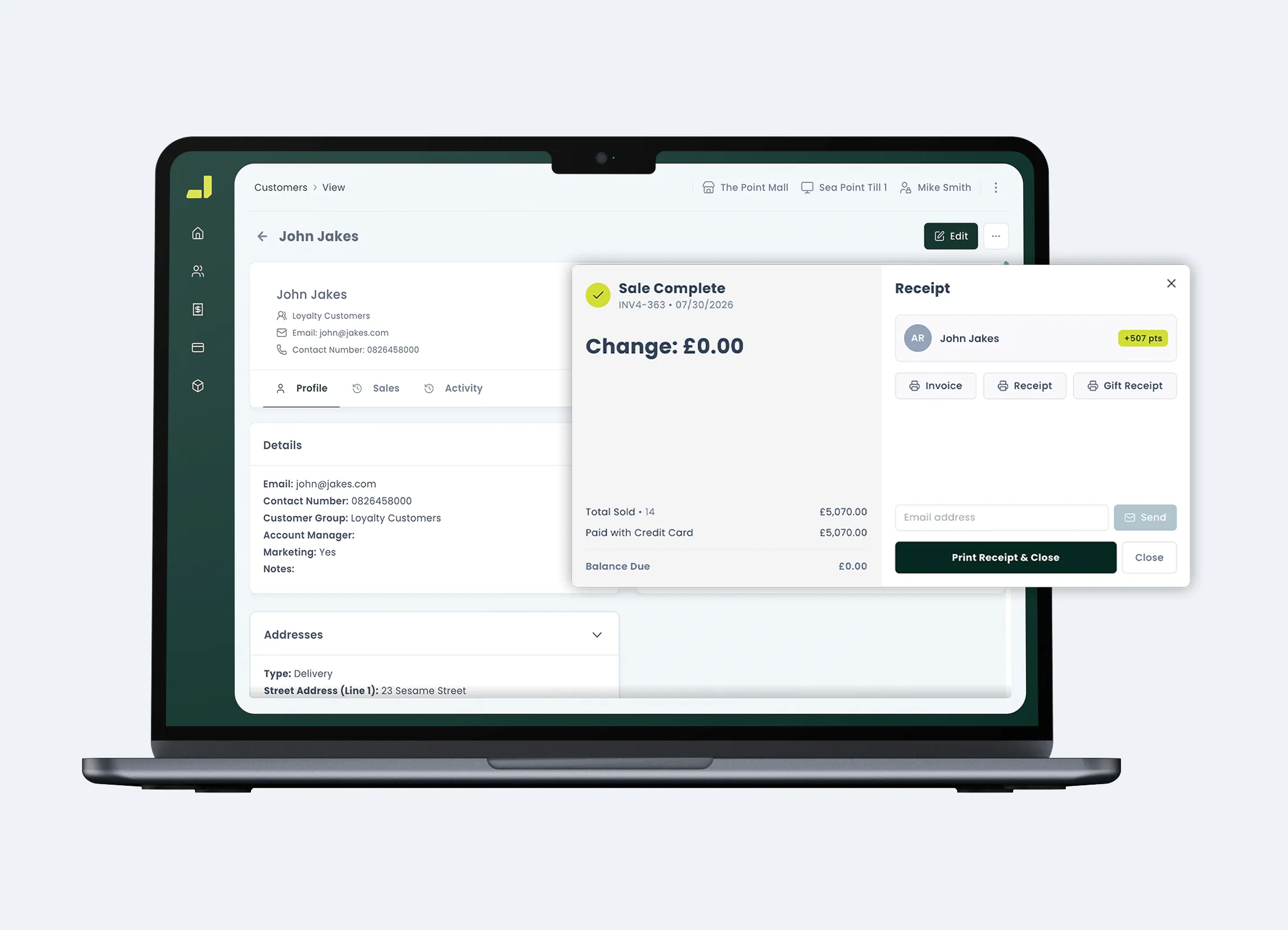
The details your team picks up in passing — in person or online — shouldn't disappear after the sale. Bigplus keeps them attached to the person, not the channel they came through.
At the point of sale, staff can find an existing customer or start a new one with only the essentials required — nothing slows the queue down.
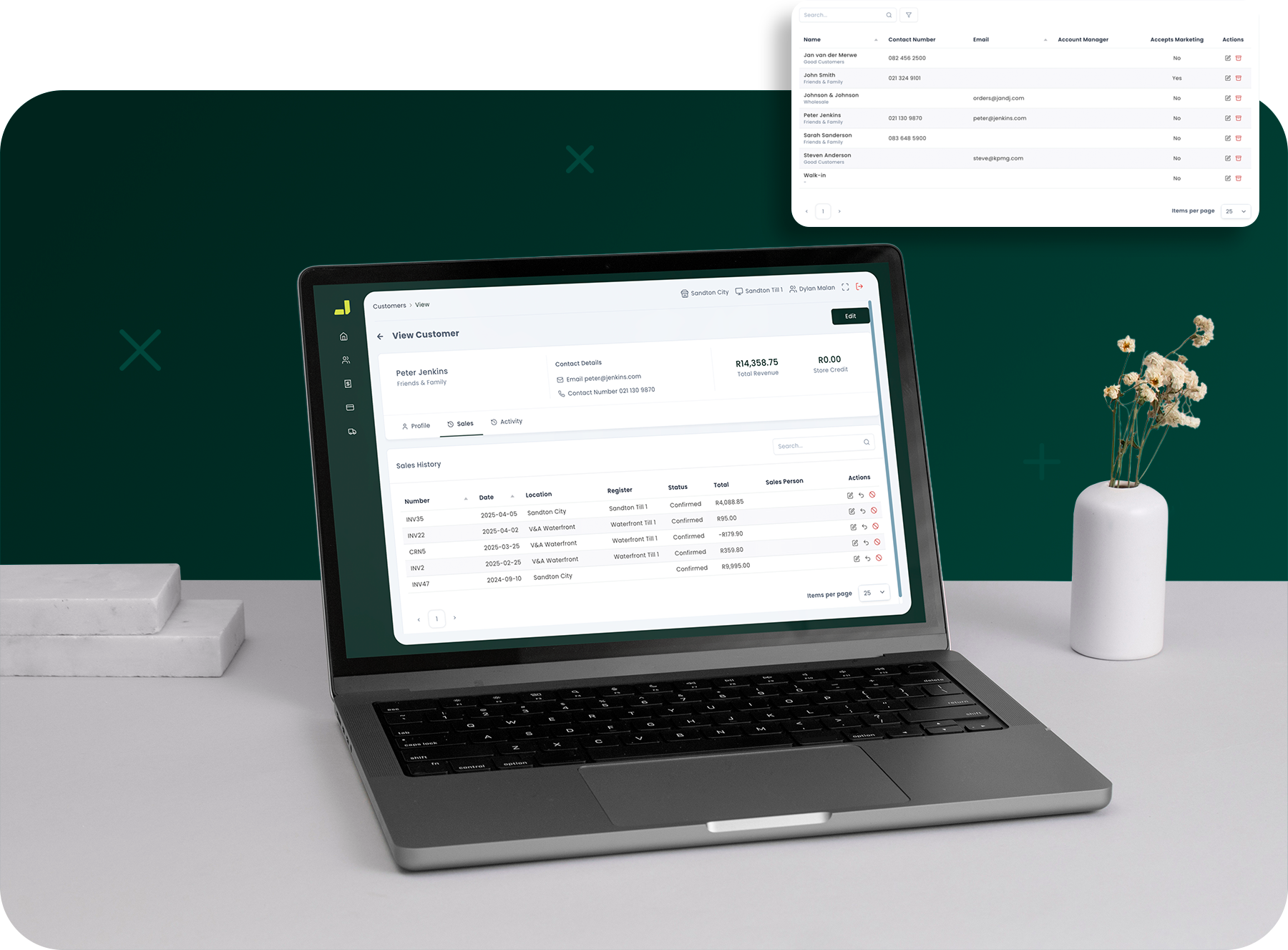
Birthday fields captured at the point of sale mean a promotion is never a guessing game — the date's already on file.
Reporting reads back what someone actually buys — in store or online — so the offers you send are shaped by history, not a guess.
Every profile carries its own preference, so who hears from you — and how — is a choice the customer made.
Almost none, to start. A sales associate can create a customer at the till with just the essentials — more detail can be added later from the back office.
Yes. Every profile keeps a full purchase history alongside payment status, quotes, and special orders.
Yes. A purchase or signup through your online store updates the same profile as an in-store sale, so purchase history stays whole no matter where someone shops.
Yes. Company and department details sit alongside individual contacts, so B2B accounts get the same structure as retail ones.
Right in the profile — from the back office on a desktop, or from a mobile device at the counter.
Book time with our team for an initial discovery call, and we'll show you how customer management works in Bigplus — with your business in mind.
Software for fast-growing retailers. Sell in-store and online, manage inventory across every location, and meet customers wherever they shop.