
 card machine
You've got the card machine. BigPlus turns your Yoco Khumo Print or Neo Touch into a complete point of sale — products, stock, customers and reporting — with every payment captured automatically.
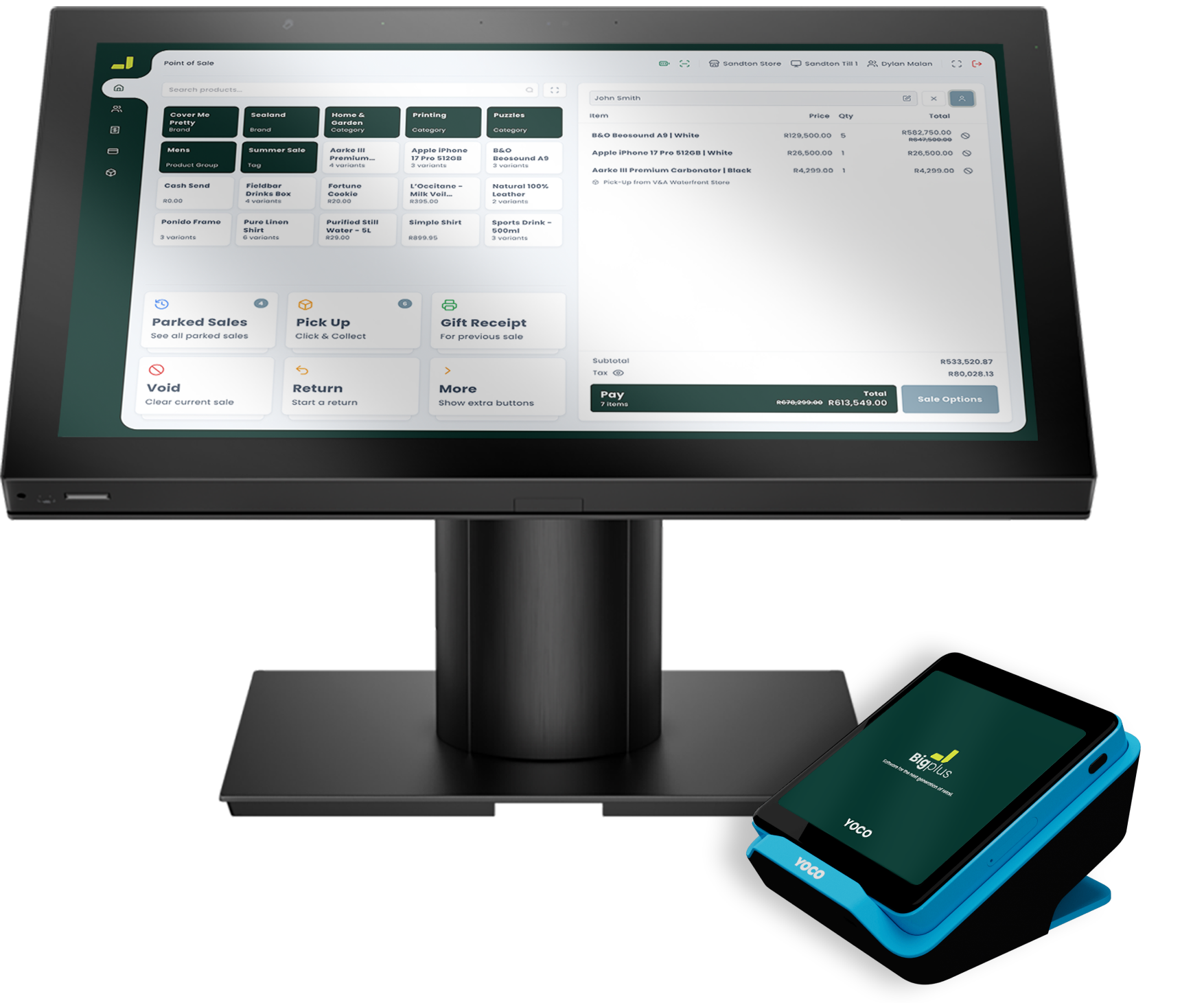
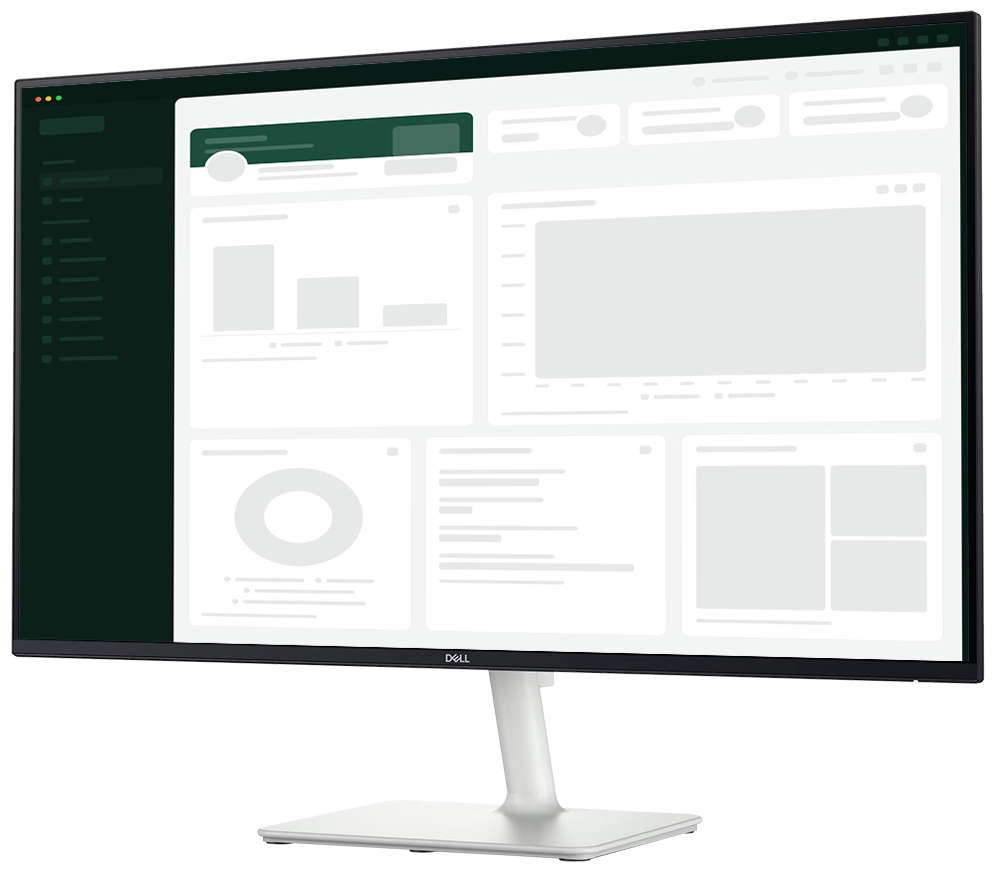
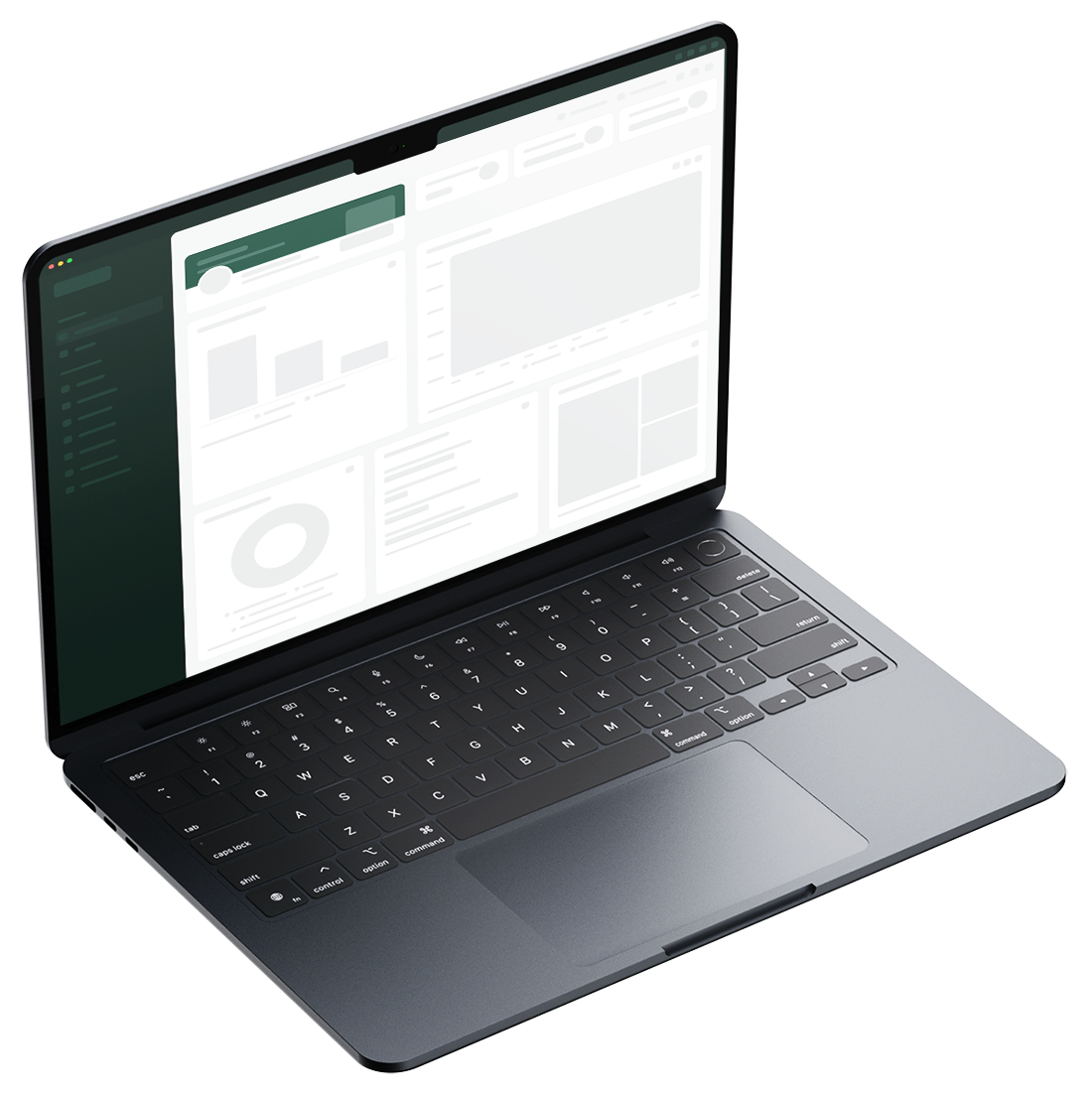
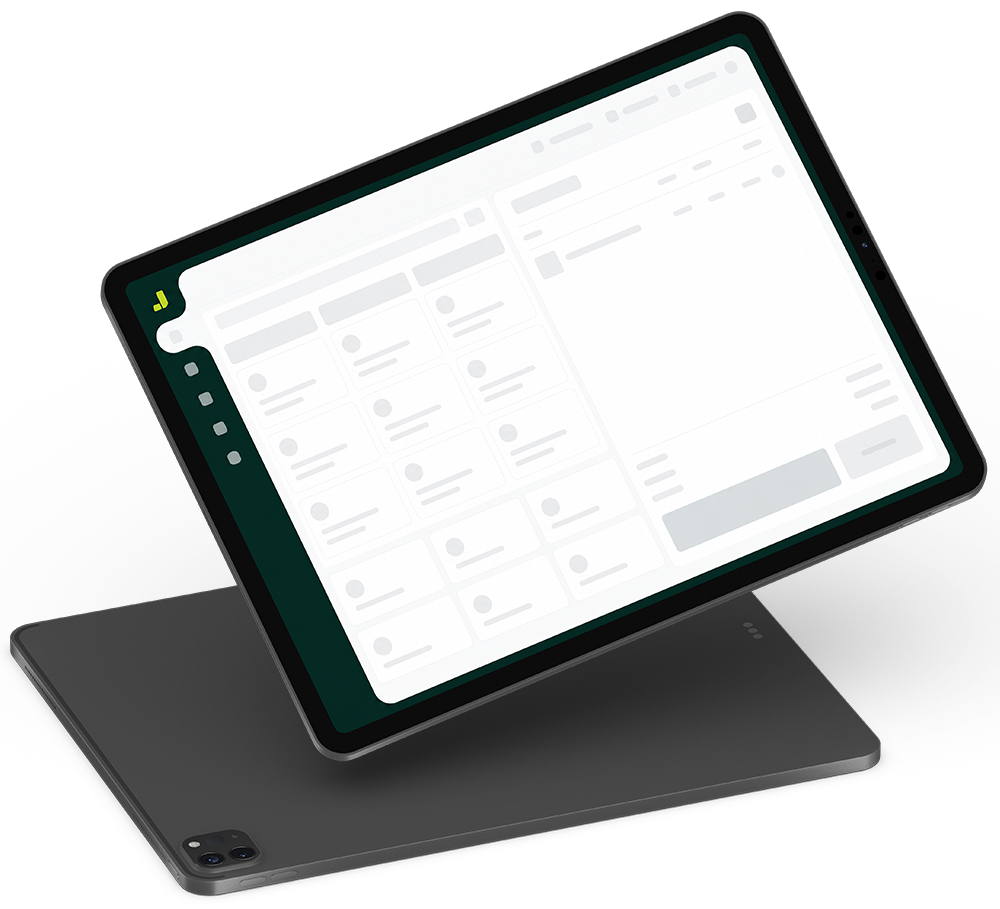
Most Yoco integrations tie you to one kind of device. BigPlus is the only one that runs across all of them — so your setup fits your shop, not the other way around.
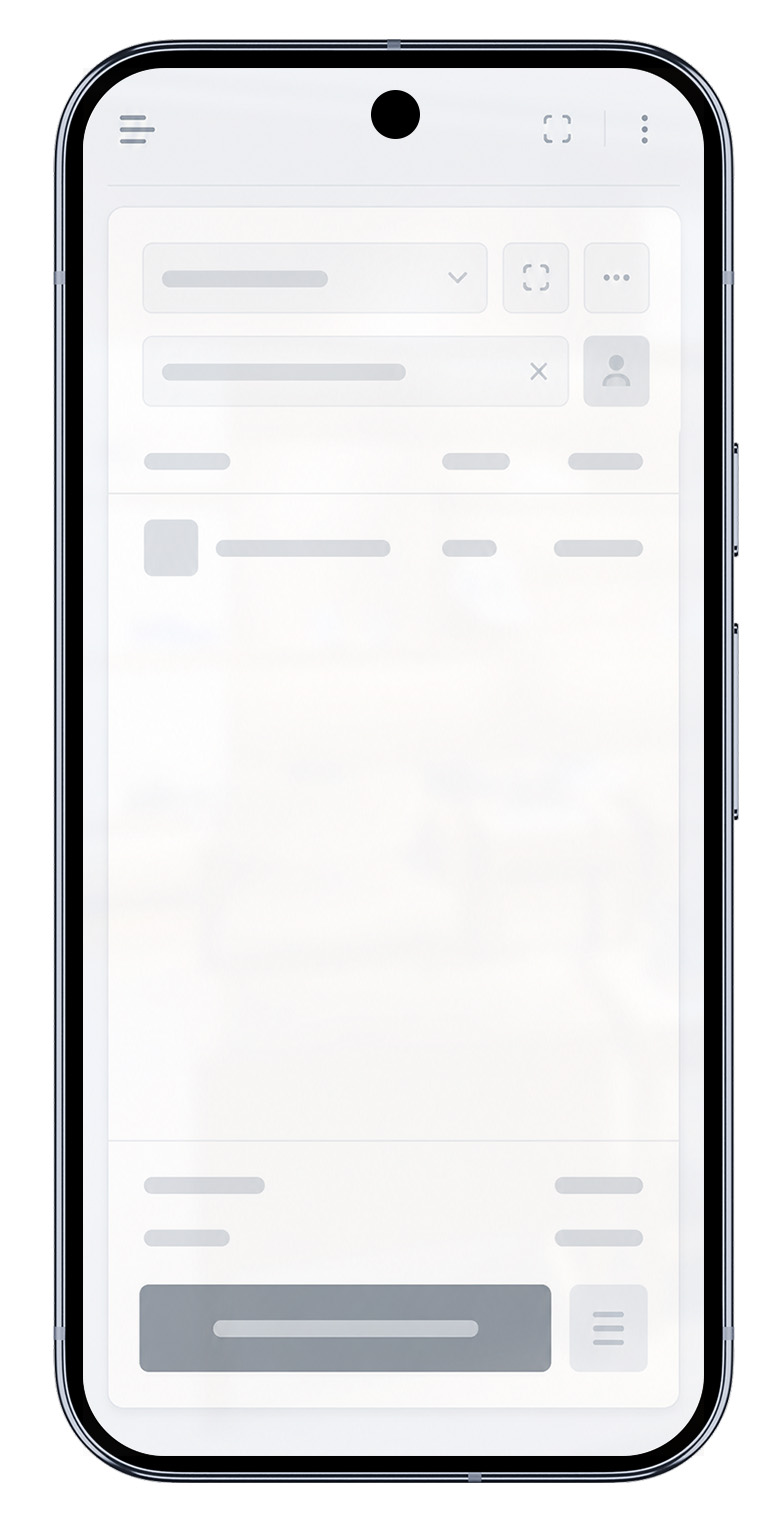
BigPlus runs on the Yoco card machine you already own. Take a payment and it's instantly a sale, a stock movement and a line in your reports — all on the one device.
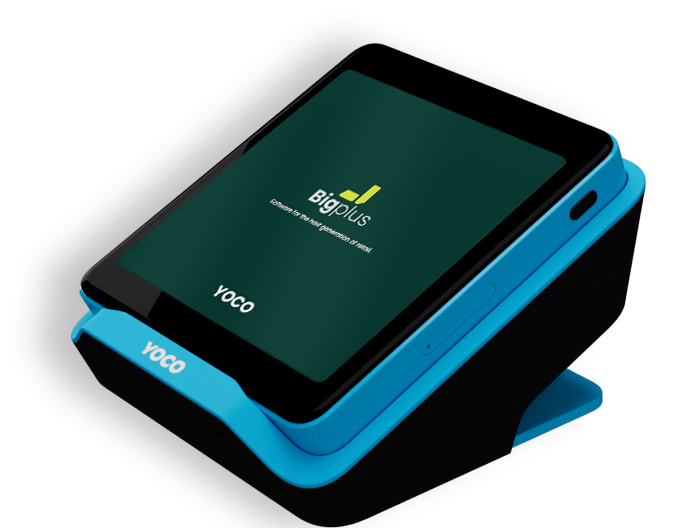

BigPlus runs on the Yoco card machines you already trade on. No new hardware, no swapping out your terminal — just install and go.
The standalone touchscreen card machine — run BigPlus right on it.
Runs BigPlus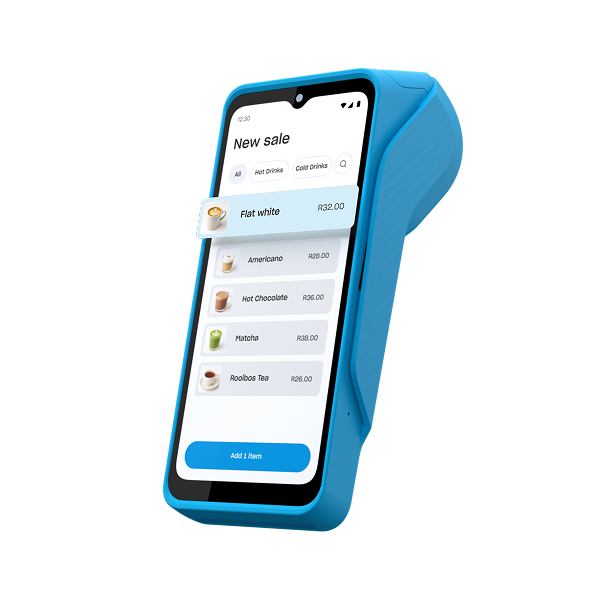
Handheld payments with a built-in printer — BigPlus runs on it too.
Runs BigPlusTrusted by South African retailers — now running BigPlus on the Yoco hardware they already own.
Yoco takes the card payment. BigPlus does everything else your shop needs — on the very same device.
Ring up the sale in BigPlus, take the card on Yoco, and it's logged the instant it's approved.
on deviceEvery sale deducts stock in real time, across every till and store — no manual counts.
real-timeFull catalogue, pricing and customer records — all managed from the terminal in your hand.
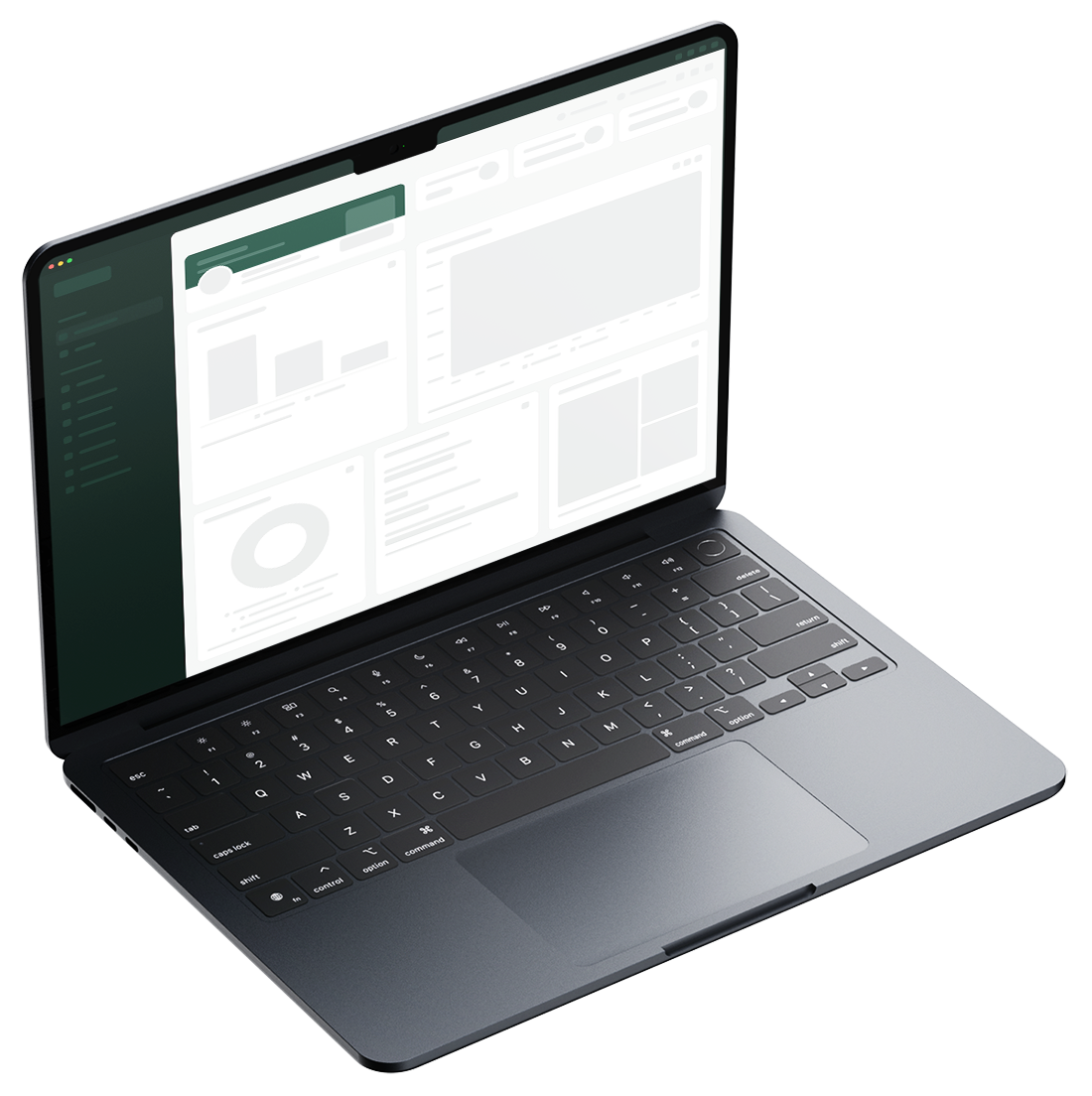
built inSales, margins and stock roll up into one live dashboard you can open on your phone or laptop — so the terminal runs the counter while you keep an eye on the whole business.
From the first sale to close-of-day, here's BigPlus at work on your Yoco machine.
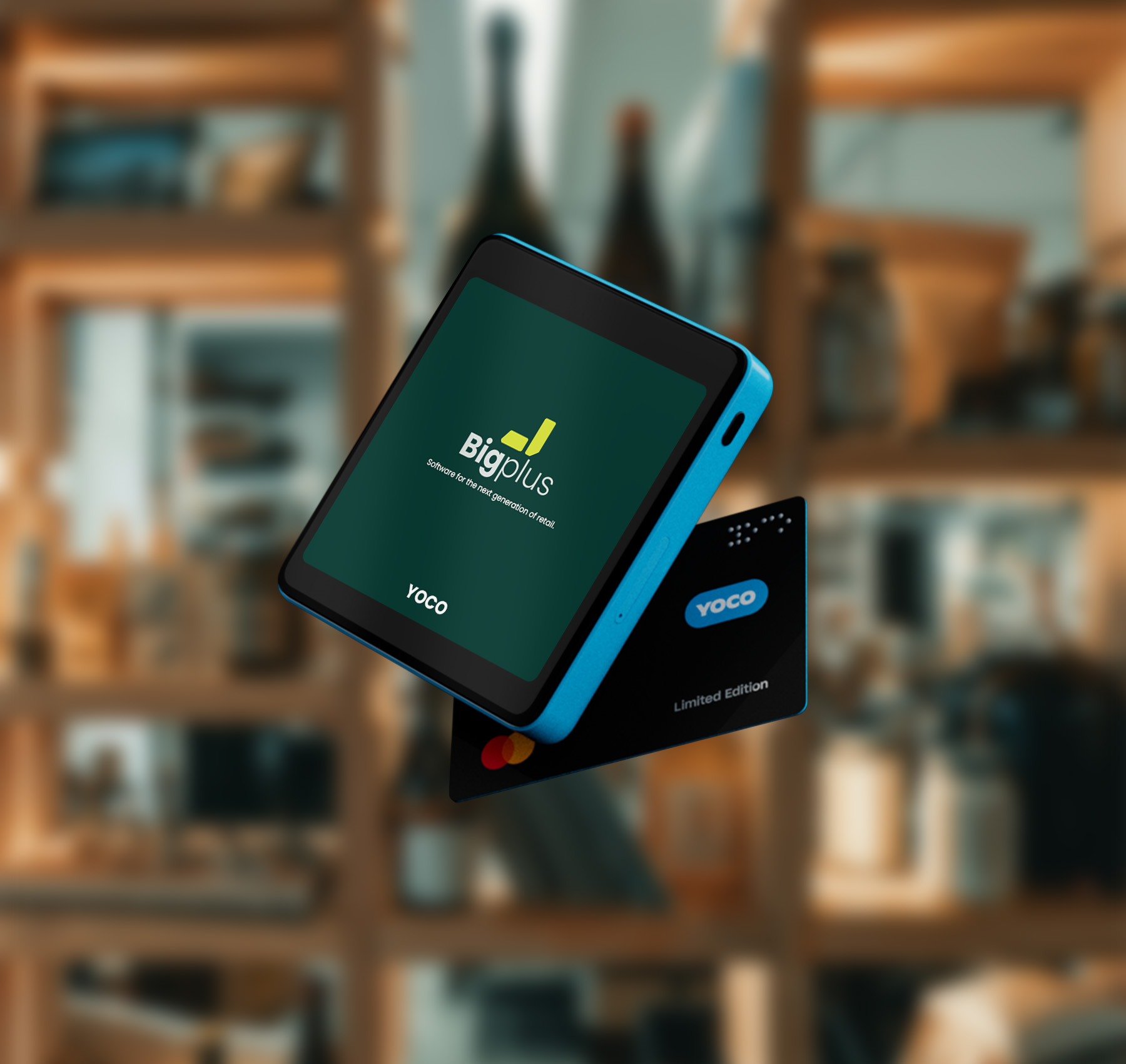
Ring it up in BigPlus, tap to pay on the Yoco machine, done. Before the receipt prints, the sale is logged and the item is out of stock.
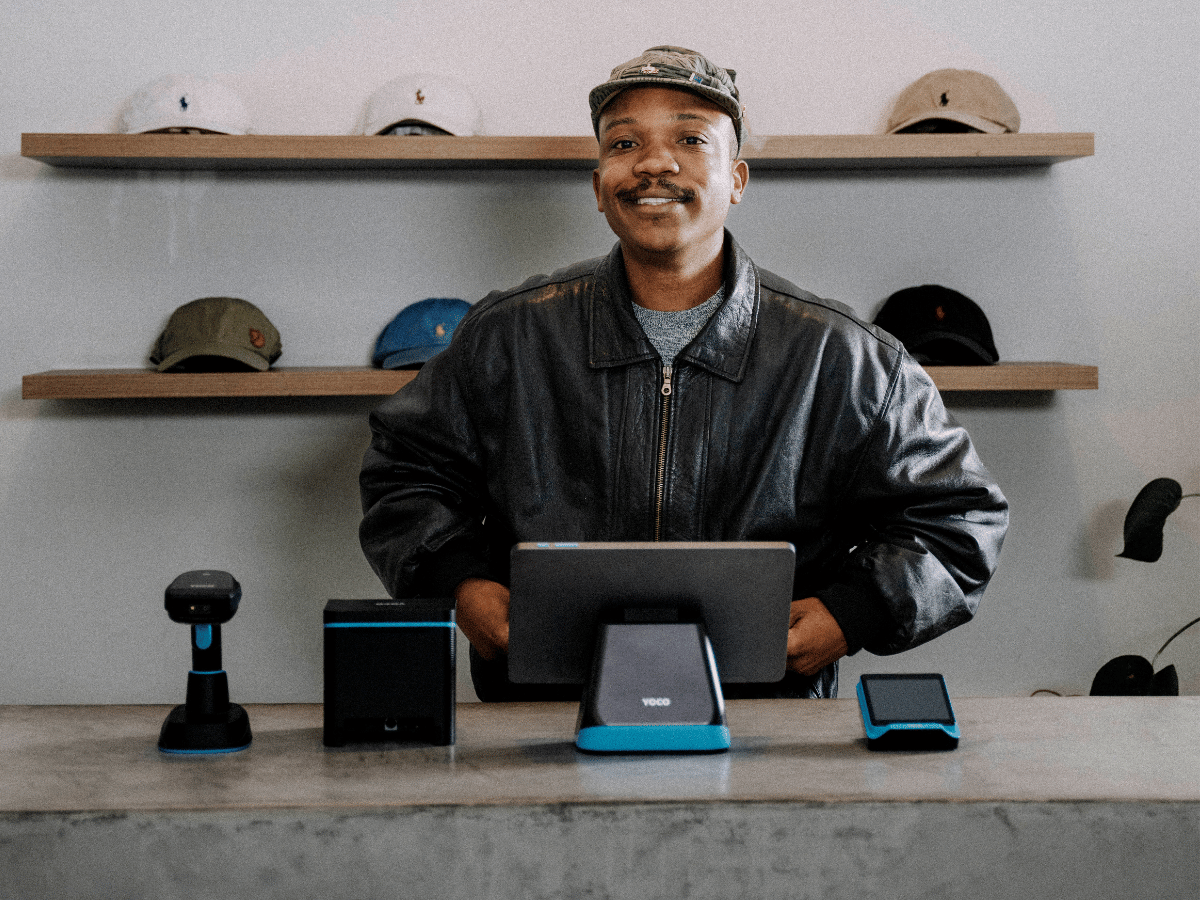
Each Yoco machine on the floor runs BigPlus, all feeding one live dashboard. Card and cash roll up together in real time — no one's counting slips.
312 sales · all live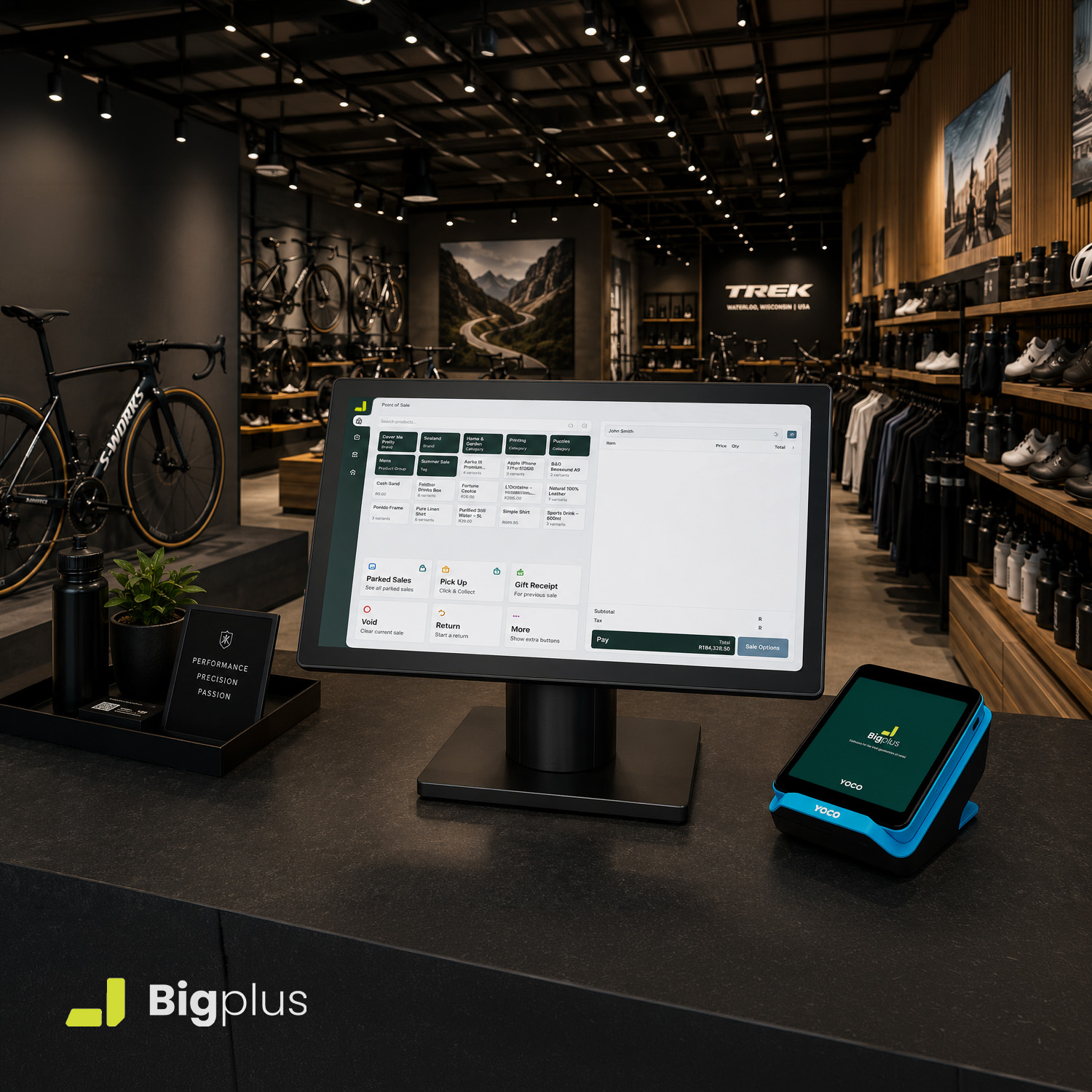
BigPlus already has the day's sales and stock reconciled against your takings. Nothing to chase, nothing to re-key. Go home.
Day reconciledKeep the Yoco machine you already trade on. BigPlus installs straight onto it.
Install BigPlus on the Khumo Print or Neo Touch you already own — no new hardware, no swapping terminals.
BigPlus brings in your catalogue and stock so every sale maps to the right item — our team handles the heavy lifting.
Ring up a sale, take the card on Yoco, and watch it land in BigPlus live. You're running your whole shop from the terminal.
BigPlus runs on the Yoco Khumo Print and the Yoco Neo Touch. If you're trading on either card machine, you're ready to run BigPlus on it.
No. BigPlus runs on the Yoco card machine you already own — there's no new terminal to buy and no extra tablet to set up.
Yes. You keep your Yoco account and payment rates exactly as they are. Yoco handles the card payment; BigPlus runs the rest of your shop on the same device.
You keep trading. BigPlus is offline-ready — it records sales on the device and syncs everything the moment your connection returns, so nothing is lost.
No. Running BigPlus on your Yoco machine is part of your BigPlus plan — no add-on fee and no separate setup cost. Plans start at R895/month.
Absolutely. Run BigPlus across as many Yoco machines and stores as you need — every terminal feeds one live view, with reporting and permissions per site.
Book a demo and see BigPlus running live on your Yoco card machine.
Software for fast-growing retailers. Sell in-store and online, manage inventory across every location, and meet customers wherever they shop.