
Offline Mode: built in, not bolted on
Bigplus keeps selling when your internet doesn't. Every register runs entirely on the device, so a dropped connection stops being a crisis and starts being a Tuesday.
 Features
•
17 August 2026
•
2 min read
Features
•
17 August 2026
•
2 min read
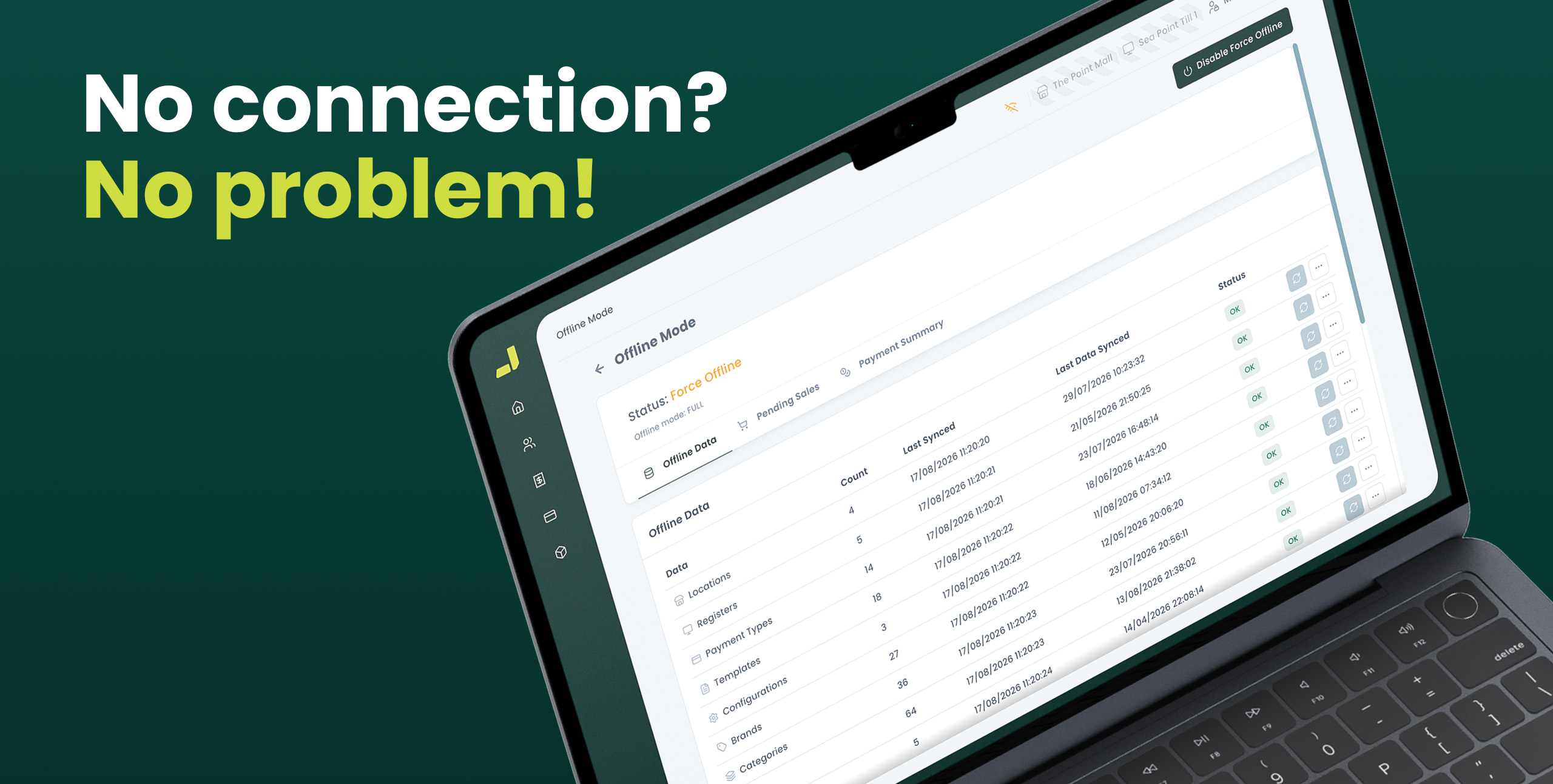
The reality
Every retailer knows the feeling. A queue at the till, a customer with card in hand, and then the screen freezes. The internet is down. In a lot of point of sale systems, that is where trading stops. Sales are lost, customers walk, and the day's momentum is gone.
Connectivity is never guaranteed, whether it is a power cut, an ISP outage, a dropped connection in a busy shopping centre or unreliable Wi-Fi in an older building. It is not a rare edge case. It is something every store hits eventually. This is exactly the problem Bigplus Offline Mode was built to solve, and it is worth understanding what genuine offline resilience looks like, because not all offline features are equal.
The moment Bigplus loses connection, it does not ask your staff to do anything differently.
The mechanismHow Offline Mode works
Sales don't pause
Ring up items, apply discounts, and take cash or account payments exactly as normal. The register doesn't know it's offline, and neither does the queue.
Stock stays accurate
Every offline sale still deducts stock locally, so on hand counts are correct the instant connectivity returns, not after a manual recount.
Customers are still recognised
Profiles, purchase history and account balances are cached on the device, so regulars don't become strangers just because the Wi-Fi dropped.
Receipts print as normal
Receipt printers and customer displays keep working off the local connection, no cloud round trip required for every line item.
Why it matters
Customers never know
The queue keeps moving at the same pace, online or not. No apology, no cash only sign taped to the till.
Numbers you can trust
Stock and sales figures reconcile automatically, so nobody's re keying a stack of handwritten slips at closing time.
Staff don't panic
There's no special mode to switch on or remember. The till behaves the same, so training doesn't change and mistakes don't creep in.
Where the limits are
Card payments still need a live connection to authorise, that's true industry wide, not a Bigplus gap. Cash and account sales never stop.

Every register works alone
There's no single point of failure. Each till queues its own sales independently, so one device losing signal never holds up the rest of the store.
It isn't hypothetical either. One Bigplus retailer lost fibre mid afternoon on a Saturday, their busiest trading day, and nobody at the till even flagged it to head office. Thirty two sales later, when the connection came back, everything synced in the background without anyone touching a screen, a moment our support manager Tyler still points to as proof the design works.
Connectivity will fail somewhere, sometime, whether it's load shedding, a router reboot, or a fibre fault outside your control. What decides the outcome isn't luck. It's whether your POS was built assuming that would happen.
Stop hoping. Start trusting your till.
Book a demo and see Offline Mode handle a dropped connection live. Setup and training are included, so your whole team knows exactly what changes when the Wi-Fi goes down. Which is nothing.